
Simple Event Planning Templates: 7 Tools That Keep Everything Organised
EVENT PLANNING GUIDE
Simple Event Planning Templates: 7 Tools That Keep Everything Organised
Updated on September 25, 2026 | Written by Rachella Thomas

“What are the core planning documents that make managing an event simpler?”
You don't always need dozens of documents to keep an event organized. Sometimes you just need a handful of good ones, each with a clear job.
After more than 26 years of planning events, I've used these kinds of templates in one form or another hundreds of times. They keep important information in one place, reduce what you have to remember and give everyone involved something clear to work from.
Some start almost empty and build as the event develops. Others don't become particularly useful until much later in the planning process.
Together, they give you a simple system for keeping track of what you're planning, what needs to happen, what you're spending, who you're working with, what could go wrong and what needs to happen on event day.
Here are seven I'd always keep in the toolkit.
1. Event Brief
I like to start with the Event Brief.
Before everyone disappears into venues, catering, entertainment and logistics, get the important thinking out of your head and into one place: what are we planning, why are we doing it, who is it for, and what are we working with?
It doesn't need to answer every question. Its job is to give the event a clear starting point so the decisions that follow aren't being made in isolation.
Read How to Create an Event Brief (And Why You Need One)
2. Event Project Plan
Once you know what you're creating, you need a place to track everything required to make it happen.
That's your Project Plan.
Tasks, deadlines, responsibilities and progress all live here. For a complex event, you may eventually have hundreds of individual actions, and this document keeps them out of notebooks, inboxes, meeting notes, and people's heads.
Don't wait until you know every task before you start it. Add what you know, work backwards from event day and keep building the plan as the event develops.
3. Event Budget
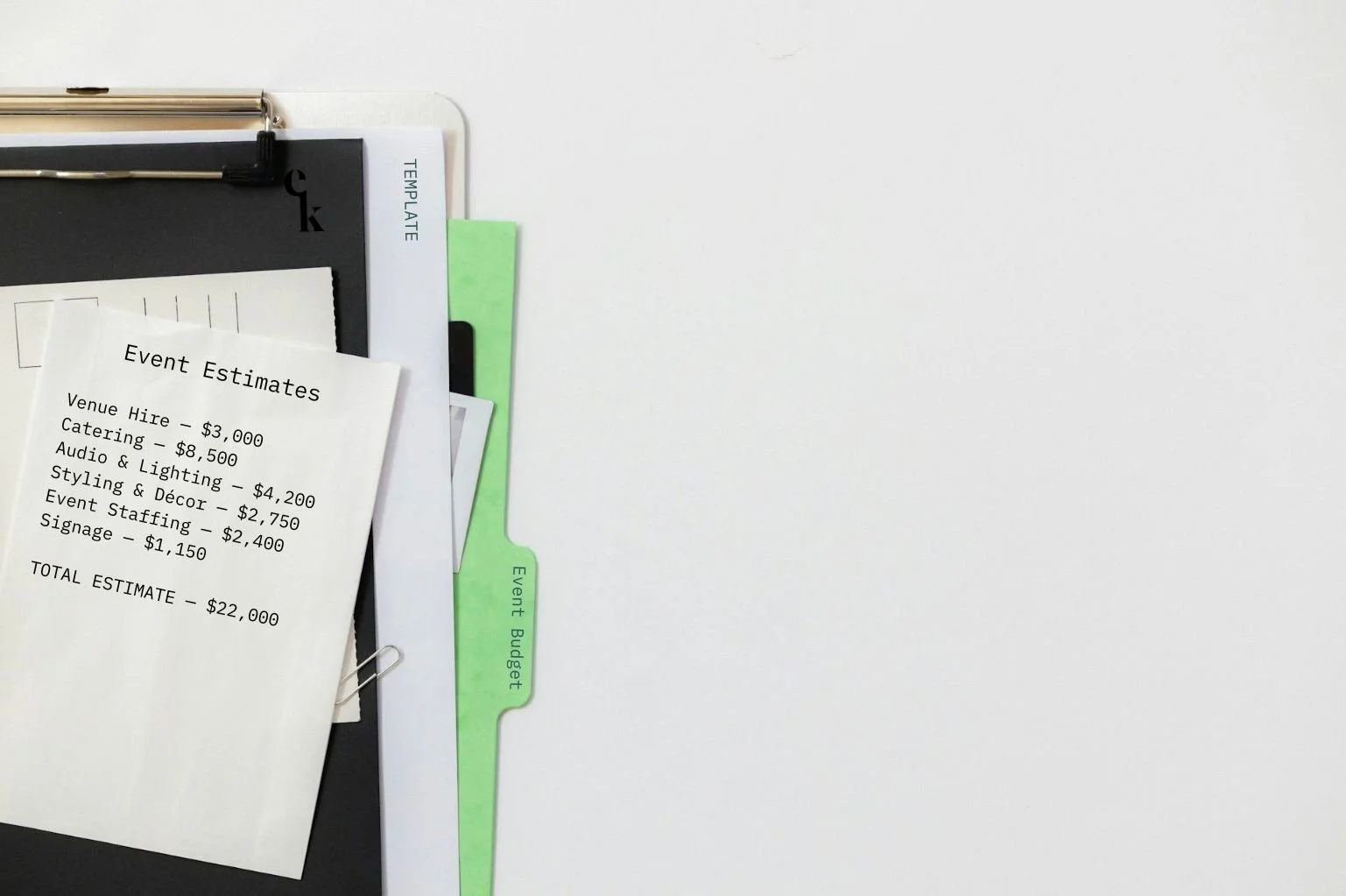
You don't need to know exactly what your event will cost before you create a budget. The budget is how you work that out.
Start with estimates. Replace them with quotes. Update them when decisions are made. Eventually, those numbers become confirmed and actual costs.
The important thing is to keep the budget moving with the event. A beautifully formatted spreadsheet still has little value if it contains numbers everyone knows are three weeks out of date.
Read How to Build an Event Budget in Excel
4. Supplier Tracker
Once you have multiple suppliers involved, email threads become a terrible way to keep track of them.
I like having one place where I can quickly see who is supplying what, their contact details, quotes, contracts, insurance, arrival requirements, payments and anything still outstanding.
But don't stop there.
If the AV supplier needs access at 7 am, that information may also belong in your venue arrangements, loading schedule and Run Sheet. If the caterer needs power, production may need to know. Your Supplier Tracker helps you manage the supplier, but the important information still needs to make its way into the rest of the event plan.
Read The Vendor Checklist You Actually Need
5. Risk Assessment
Risk planning isn't something you do once and file away.
Your Risk Assessment should develop as the event does. A venue gets confirmed. An activity is added. A supplier changes their setup. Wet weather becomes a possibility. Each new piece of information can introduce something else you need to think about.
At its simplest, you're asking: what could go wrong, how serious would it be, and what can we do about it?
The goal isn't to imagine every possible disaster. It's to identify what could realistically cause a problem and decide what you'll do about it before event day.
Read How to Write an Event Risk Assessment in Under 15 Minutes
6. Event Run Sheet
This is where all that planning eventually meets event day.
Your Run Sheet sets out what's happening, when it's happening, where it's happening and who is responsible, from the first supplier arriving through to the final pack-down.
Don't wait until the night before the event to create it. Start with what you know and let it develop alongside the event. As timings, suppliers and program details are confirmed, keep adding them.
Building it early also has a useful habit of exposing things you haven't thought about yet. A timing doesn't work. Two things are trying to happen in the same place. A supplier needs access before the venue opens.
Much better to find those problems in the spreadsheet than on event day.
Read Step-by-Step Guide for the Event Run Sheet Template
7. Event Contact List
Simple, but incredibly useful.
Keep key event contacts in one place: team members, venue contacts, suppliers, production, security, first aid, contractors, and anyone else your team may need to reach quickly.
Include names, roles and the best number to use during the event.
Because when something needs fixing at 6:45 am, nobody wants to search through a six-month-old email thread to find the lighting technician's mobile number.
Build a Toolkit That Works for You
These aren't the only documents you'll use. Different events need different tools, and some will require far more detail than others.
But your planning system doesn't need to become complicated just because the event is.
Over time, you'll work out which documents you return to again and again. You'll adapt them, improve them and create new ones when you find yourself solving the same problem repeatedly.
That's how most experienced event planners build their toolkit.
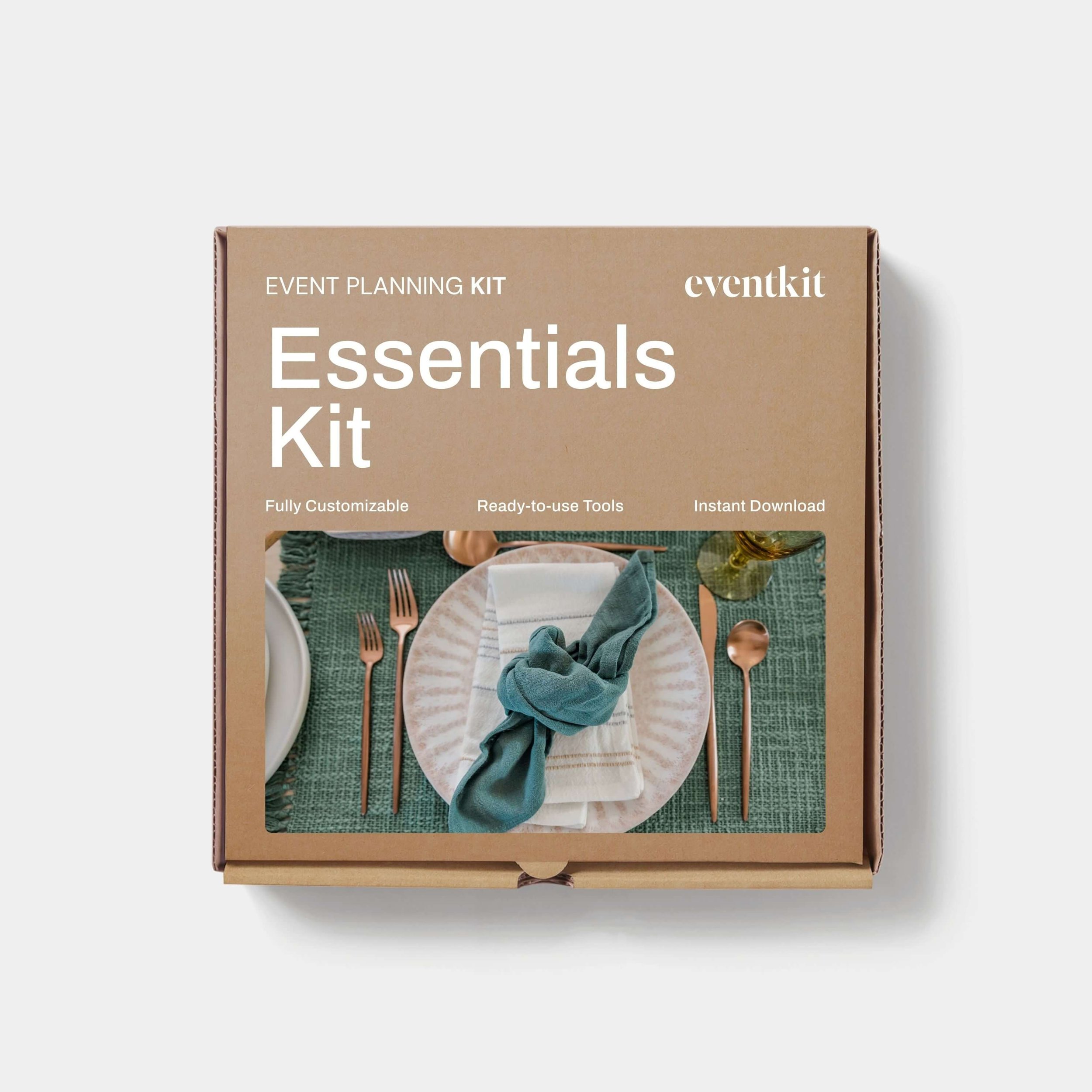
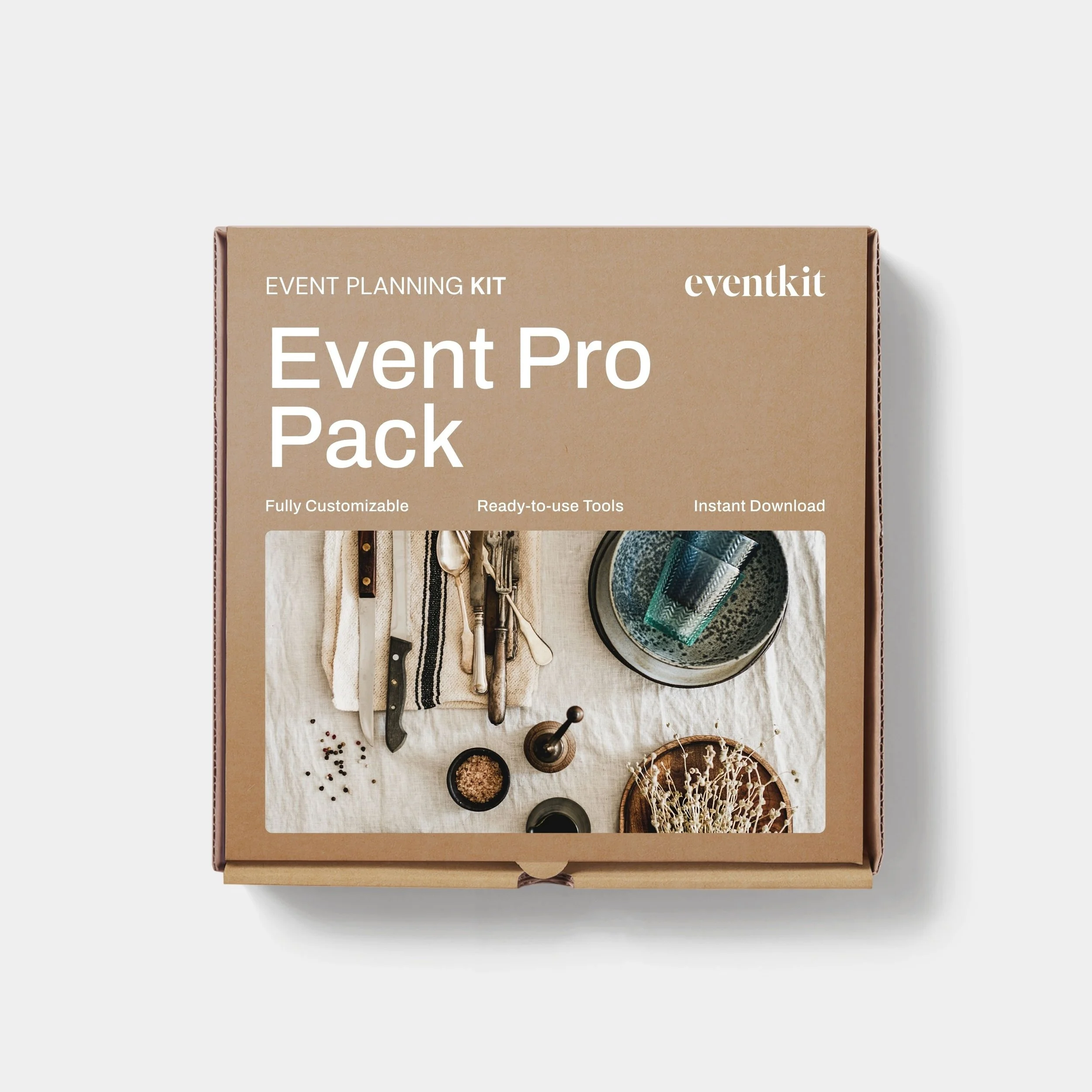
If you'd rather not build everything from scratch, you'll find professional versions of these tools throughout the Event Kit Shop, along with more specialised templates for different event types and planning tasks. Browse our collection of Event Kit Templates.
→ If you found this Event Kit Guide useful, feel free to share it with a fellow event planner or your event network. They’ll appreciate you passing it on.
Related Reads


Meet Your Mentor
Rachella Thomas is an award-winning event producer with more than 26 years of experience delivering major events. Her work includes the Australian Open, Commonwealth Games Queen’s Baton Relay, Melbourne Food & Wine Festival, and other renowned large-scale events and festivals.
Rachella founded Event Kit, where she turns decades of professional event know-how into practical tools for event planners worldwide.
Learn More → ABOUT
Want to try Event Kit?
Get a professional Event Run Sheet template for free!



Description
Event Planning Starter Kit
Designed for:
Designed for new event planners who want a professional starting point without building every document from scratch.
Helps you:
When you’re new to events or just an occasional event organizer.
What’s included:
EXCEL
• Event Budget
• Event Plan Timeline
• Event Run Sheet
PDF
• Event Brief Writing Guide
• Event Plan Master Checklist
• Event Risk Management Guide
• Event Run Sheet User Guide
WORD
• Event Brief
• Event Risk Assessment Matrix
Plus:
• Built-in planning tips and guidance notes
• AI prompts to help you work faster
Pairs well with:
Any collection in the shop. There's no wrong combination — grab what fits your events and build from there.
Note: This is a digital product. No physical item is shipped.
Customer Service
Within a few minutes of purchase, you’ll receive an email with a link to download your files. The download link expires after 24 hours. If you can’t find the email, please check your Spam or Junk folder.
Need help getting started?
Notes and instructions are built into our templates to give you structure, guidance and practical real-life examples. These are not blank templates. They’re designed to guide you as you use them.
Still got questions?
Template Manual
FAQs
Contact Us
Template License
Event Kit templates are licensed for use by one business or sole operator. You can edit, customize and reuse them across every client, event, and project your business handles. Add your own branding, update colors and fonts, remove sections you don't need, and adapt the content to suit you.
Read full Template License