
How to Build an Event Budget in Excel
EVENT PLANNING GUIDE
How to Build an Event Budget in Excel
Updated on September 28, 2026 | Written by Rachella Thomas
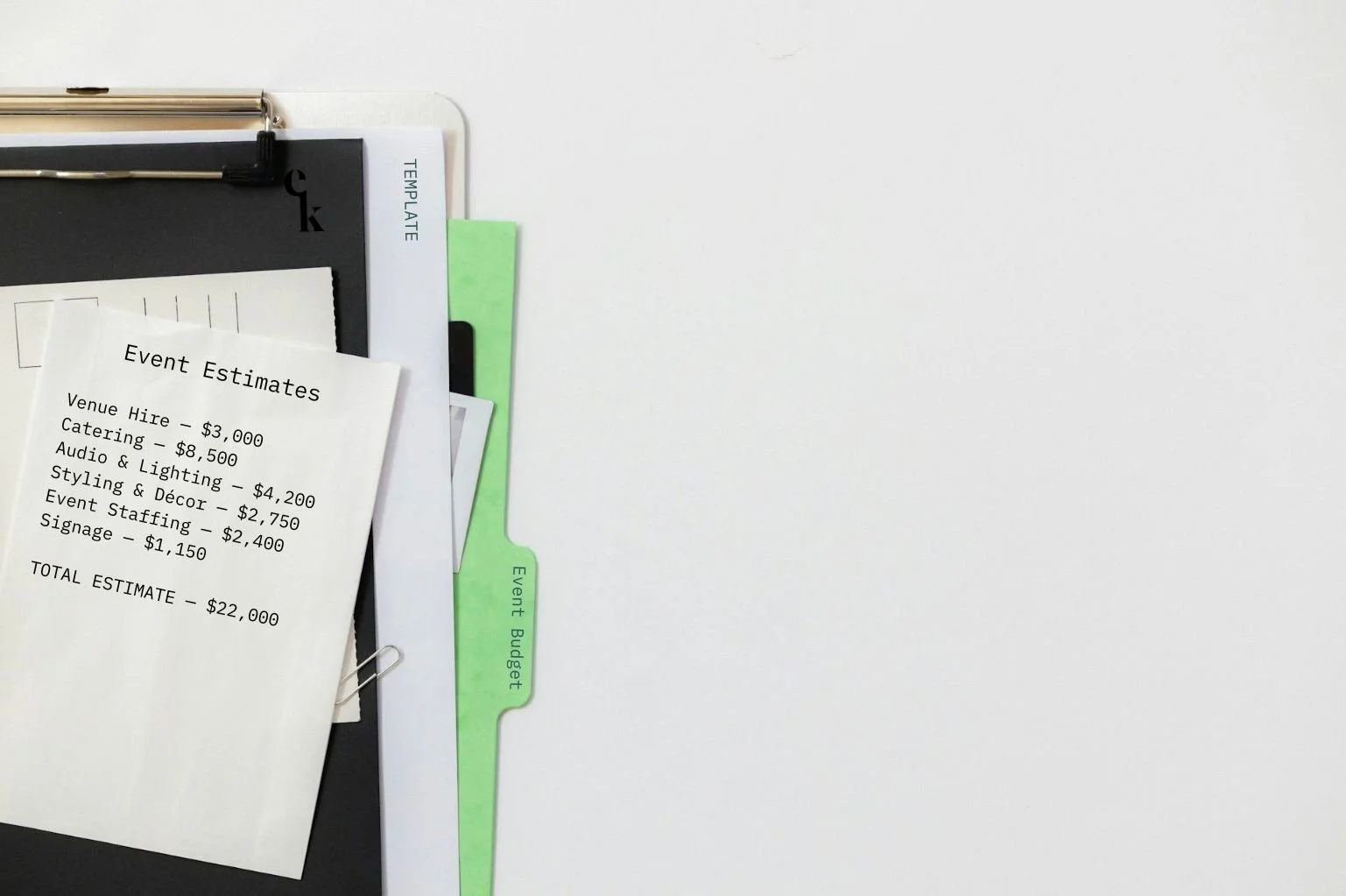
An event budget isn't something you complete. It's something you refine over time.
At the beginning, you might know the overall amount you have to spend. You might have a venue quote. You might have a rough idea of catering. And then there are the forty other things you haven't priced yet.
That's normal.
You don't build an event budget after you know every cost. You build it before you know everything, then replace assumptions with facts, as your event planning develops.
The Process
Your first budget will always contain estimates. Those estimates will then become quotes. Quotes become confirmed costs. And eventually, confirmed costs become what you actually spent.
Estimate → Quote → Confirmed Cost → Actual Cost
That's why Excel works so well for event budgeting. It gives you a working document that’s simple to update, compare, and adjust as the event moves from idea to reality.
Here's how I'd build one.
1. Start With Cost Categories, Not Numbers
When I start an event budget, I'm not trying to get every line item exactly right. I focus on making sure we've thought through everything we're likely to spend money on.
So, start by breaking the event into sensible cost categories.
Depending on the event, that might include:
Venue
Catering
Production and AV
Entertainment or speakers
Styling and décor
Signage and printing
Staffing
Security and first aid
Equipment and infrastructure
Transport and freight
Marketing
Photography and video
Insurance, permits or other event-specific requirements
Then break those categories down further.
“Catering” might become food, beverages, staffing, equipment hire and dietary requirements. “Production” could include audio, lighting, staging, screens, technicians and power.
This is where experience makes budgeting much easier.
After you've planned enough conferences, you know to allow for speaker travel, presentation equipment, registration and lanyards. With a gala, your mind goes somewhere different: table styling, entertainment, staging, menus, place cards, perhaps awards. A festival opens up a whole different list.
If you don't have that experience yet, this is often the hardest part of creating your first budget: you don't know what you don't know.
That's one reason our Event Budget Template Bundle includes different budget types for events such as conferences, gala events and festivals, with placeholder expenses already built in. You can delete what doesn't apply to your specific event, but you'll have a real-world starting point for thinking through what does.
2. Give Every Cost Its Own Line
Don't just put $18,000 – Production into one cell and move on.
Break it down.
If your production quote includes staging, audio, lighting, screens, technicians and equipment hire, give those costs enough visibility that you can understand what's driving the total.
You don't necessarily need to reproduce every detailed line of a supplier quote, but you do need enough detail to make the budget useful.
Why?
Because later someone will inevitably say:
“We need to save $5,000. Where can we find it?”
A budget containing six enormous lump sums won't tell you much. A properly structured budget that breaks down quote totals lets you see where the money is going and where you actually have room to make different choices.
3. Start With Estimates
This one sometimes catches newer planners out because they patiently wait for quotes before putting costs into the budget.
Don't.
If you don't know what something will cost yet, estimate it with a best guess and clearly mark it as an ‘estimate’.
The amount may come from costs at previous events, preliminary research, a supplier indication, or even just your best informed (and common-sense) guess. Then replace it when you have better information.
It’s important to remember that an event budget will move through several versions of the same cost:
Estimate → Quote → Confirmed Cost → Actual Cost
That doesn't mean the budget is inaccurate. That's the budget doing its job. As your knowledge of the event improves, the numbers should get more accurate.
4. Keep Your Budget and Your Quotes Talking to Each Other
Here's a very ordinary event-planning scenario that shows you how to connect your budget and quotes.
You allow $8,000 for something in the original budget, then the quote comes back at $10,500.
It is remarkably easy to read the quote, discuss it with the team, approve it — and forget that the working budget still says $8,000. Do that a few times across an event and suddenly your budget bears very little resemblance to what you've actually committed to spend. Ouch.
Best practice is to update the budget as you receive information and make decisions.
I personally like seeing the original estimate alongside the current or actual cost because the variance tells you something useful. You can immediately see where you're over, where you're under and where you may need to adjust elsewhere.
5. Don't Spend Your Contingency Before You Need It
Your contingency is the part of the budget you deliberately don't allocate yet.
It's there because events have a habit of producing expenses you didn't see coming.
A last-minute equipment requirement. Additional security. Extra freight. Another hour of crew time. Wet-weather requirements. Something the venue assumed the supplier was providing and the supplier assumed the venue had.
Leave yourself somewhere to go.
The amount you set aside should suit the event's scale and level of uncertainty, but the key is to treat it as contingency, not spare money waiting to be allocated.
If your total event budget is $100,000 and you've set aside part of it for unforeseen costs, you don't really have the full $100,000 available for the things currently on your wish list.
6. Track What You're Actually Committing To
As planning progresses, the budget becomes much more than a collection of estimates. The guesses gradually become facts, and it’s your job to keep the budget up to date as they do.
You need to know what has been quoted, what has been approved, what you've committed to and what has actually been paid.
How much financial tracking belongs in your event budget depends on the organisation and its accounting processes, but from a planning perspective, you should always be able to tell what you've committed the event to spending.
Otherwise it's very easy to make a decision based on money that technically still appears available but has already been spoken for.
7. Use the Budget to Make Decisions
A good event budget doesn't simply tell you how much you've spent. It helps you decide what to do next.
If catering has come in higher than expected, what does that mean elsewhere? If ticket revenue is lower than forecast, what changes? If the client wants to add another entertainment element, what will it cost and where does that money come from? If you have $10,000 left, where will it make the biggest difference to the event?
This is why I like keeping the budget detailed and current. When someone asks one of those questions, you can answer it from the document rather than relying on a vague sense that “I think we're still okay.”
8. Keep One Working Budget
Budget spreadsheets have a terrible habit of multiplying, and you can easily end up referencing outdated information or losing track of which one is actually the final and most accurate.
Event Budget FINAL.xlsx
Event Budget FINAL v2.xlsx
Event Budget FINAL v2 UPDATED.xlsx
…You know where this is going.
Soon you’ll have a long list of repeating document names and no idea which one is correct.
Keep one clearly controlled working budget wherever possible, establish who updates it, and make sure the people making financial decisions are looking at the current version. File old versions away in a separate Archive folder so there’s no mistaking which is current and correct.
Because few things are less useful than two people making decisions from two different versions of the same budget.
Your Event Budget Will Change. That's the Point.
By event day, your budget should tell the story of how the event went from an idea with a lot of unknowns to something you actually know how much it costs to deliver.
The goal was never to get every number right at the beginning. It was to make better decisions as those numbers became clearer.
Your final costs are some of the most useful information you can take into the next one.
If you're building yours from scratch, our Event Budget Template Bundle includes Excel budgets for different event types, from corporate events to festivals and galas, with real-world placeholder costs and categories already included. They're there to prompt your thinking, not tell you what your event should cost. Delete what you don't need, add what you do, and build the budget around your event.
→ If you found this Event Kit Guide useful, feel free to share it with a fellow event planner or your event network. They’ll appreciate you passing it on.
Related Reads



Meet Your Mentor
Rachella Thomas is an award-winning event producer with more than 26 years of experience delivering major events. Her work includes the Australian Open, Commonwealth Games Queen’s Baton Relay, Melbourne Food & Wine Festival, and other renowned large-scale events and festivals.
Rachella founded Event Kit, where she turns decades of professional event know-how into practical tools for event planners worldwide.
Learn More → ABOUT
Want to try Event Kit?
Get a professional Event Run Sheet template for free!


Description
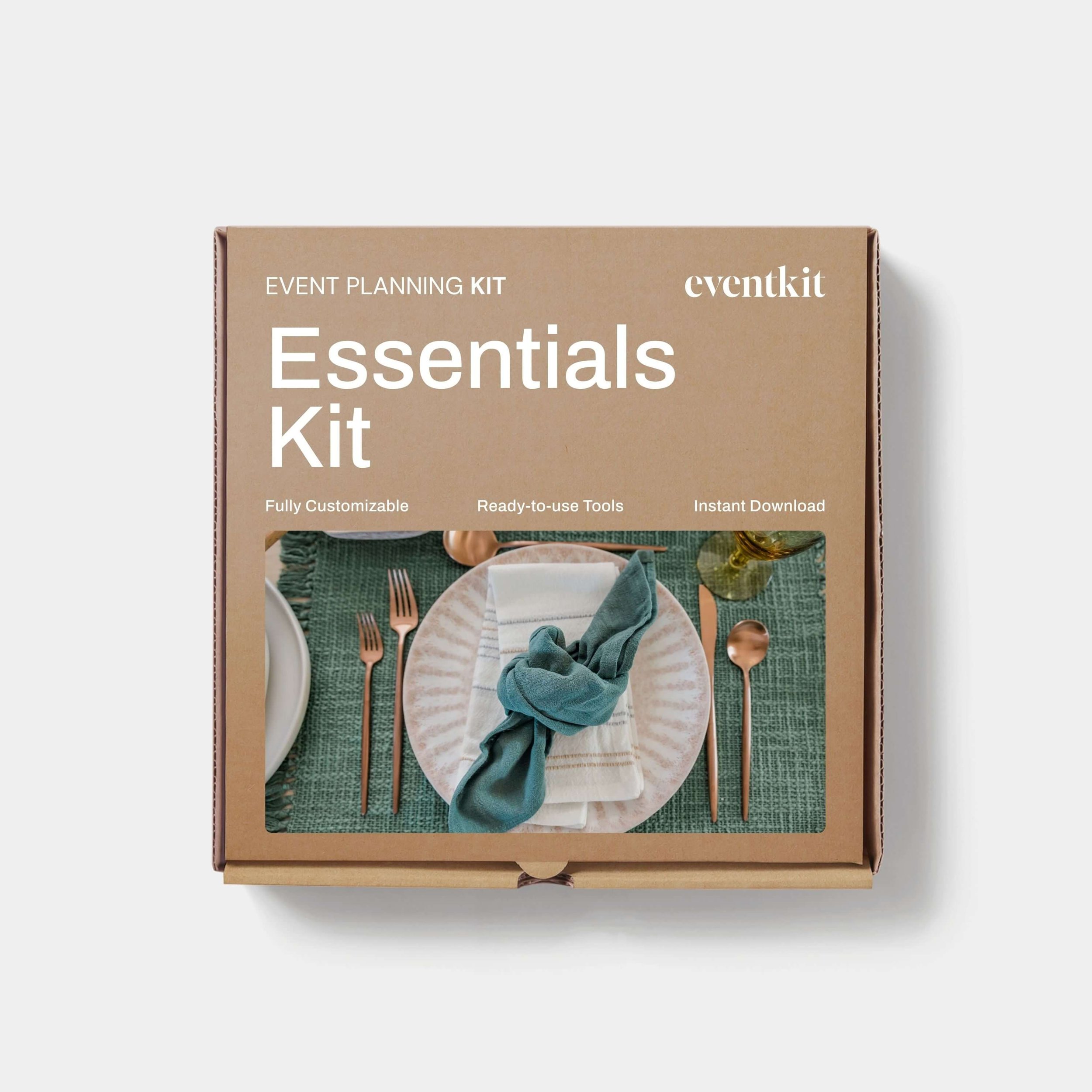
Event Planning Starter Kit
Designed for:
Designed for new event planners who want a professional starting point without building every document from scratch.
Helps you:
When you’re new to events or just an occasional event organizer.
What’s included:
EXCEL
• Event Budget
• Event Plan Timeline
• Event Run Sheet
PDF
• Event Brief Writing Guide
• Event Plan Master Checklist
• Event Risk Management Guide
• Event Run Sheet User Guide
WORD
• Event Brief
• Event Risk Assessment Matrix
Plus:
• Built-in planning tips and guidance notes
• AI prompts to help you work faster
Pairs well with:
Any collection in the shop. There's no wrong combination — grab what fits your events and build from there.
Note: This is a digital product. No physical item is shipped.
Customer Service
Within a few minutes of purchase, you’ll receive an email with a link to download your files. The download link expires after 24 hours. If you can’t find the email, please check your Spam or Junk folder.
Need help getting started?
Notes and instructions are built into our templates to give you structure, guidance and practical real-life examples. These are not blank templates. They’re designed to guide you as you use them.
Still got questions?
Template Manual
FAQs
Contact Us
Template License
Event Kit templates are licensed for use by one business or sole operator. You can edit, customize and reuse them across every client, event, and project your business handles. Add your own branding, update colors and fonts, remove sections you don't need, and adapt the content to suit you.
Read full Template License