
EVENT PLANNING GUIDE
What Happens When the Run Sheet Goes Off Schedule?
Updated on September 23, 2026 | Written by Rachella Thomas

A presenter is 30 minutes late. The AV rig suddenly stops working. Catering needs another 10 minutes. A performance runs over. Your keynote is ready, but their presentation isn’t loading. The next supplier is waiting at the loading dock while you’re dealing with something completely unrelated at front of house.
Here’s the thing about run sheets: an event almost never runs exactly to plan.
So, how do you troubleshoot on event day?
Firstly, don't panic and rewrite the whole plan.
Need a run sheet? Our Step-by-Step Guide to Creating a Professional Event Run Sheet covers the basics: what to include, how to structure it, and how to share it with your team. Use this guide to get your run sheet sorted before the event day.
Work Out the Knock-On Effect
Your first job is to understand the problem and what it will affect.
For example, if your keynote speaker is running 30 minutes late, look ahead to what that means for the schedule. What was meant to happen during those 30 minutes? Can another speaker go first? Can you extend the networking break? Can you bring a panel forward? Or do you start the session late and make up the time elsewhere?
You're using the run sheet to see your options; you're not trying to make the event match the original run sheet at all costs.
Before you change anything, look further down the run sheet. Moving one item can affect speakers, suppliers, production, catering, staff and other parts of the program that are already working to their original timing.
That's the knock-on effect you're looking for.
Sometimes the obvious fix will still be the best one. You just want to know what else you're moving before you move it.
A quick fix isn't much of a fix if it creates another problem 20 minutes later.
Free Event Run Sheet Template
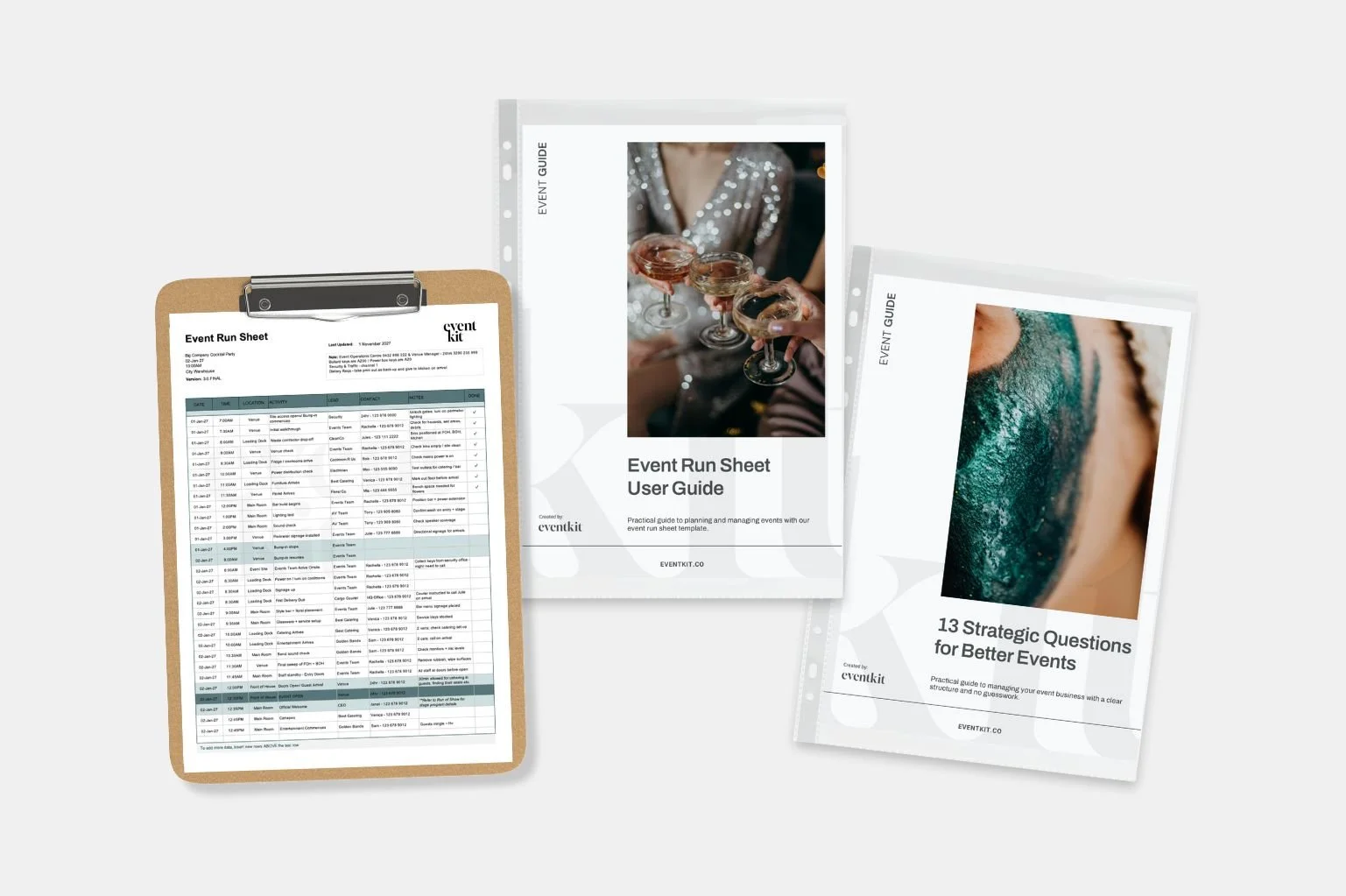
Try Event Kit’s professional Event Run Sheet template. Customise, use, and reuse it for free. This template includes built-in sample content, user notes, and event AI prompts, so you can see what an award-winning event planner considers when using this template. No more scrambling; everything you need is in one place.
Know What Can Move and What Can't
Not everything on a run sheet is equally flexible.
Some timings can move fairly easily. Others are tied to things outside the program itself: catering service, venue curfews, performer availability, transport, road closures, broadcast times, permit conditions or supplier schedules.
Those are your anchors.
When you're trying to recover time, start with those. They tell you how much room you actually have to move everything else.
You don't necessarily need to push the entire program back because you've lost 20 minutes. You might recover some of that time elsewhere, move something that isn't time-critical or decide that running late is less disruptive than forcing the schedule back into place.
There isn't always one perfect answer.
The goal isn't to protect the run sheet. The goal is to protect the event's overall flow.

Not every event schedule delay is a problem. Distinguishing between “this is different from the plan” and “this is becoming a problem” is an important part of managing events.
Give Yourself Options
That is also why experienced event planners plan for contingencies before they're needed.
If you're running a conference, what could you do if a presenter doesn't arrive? If you're outdoors, what happens if weather delays part of the program? If you're relying heavily on AV, can anything in the schedule run without it?
You don't need a detailed backup plan for every conceivable disaster. You'd never finish planning.
But for the things that would seriously disrupt the program, it helps to have already asked: What would we do instead?
Knowing you have an option makes it much easier to stay calm when you're backstage with three people asking what happens next.
Read Why Bump-In is Always Slower Than You Think
Read 25 Must-Pack Items in an Event Planner’s Emergency Kit
Communicate the Change, Not the Drama
Once you've made the call, tell the people who actually need to know.
This is where the Lead and Contact columns on your run sheet suddenly become very useful.
Your MC might need a new cue. Catering may need to hold service. The photographer needs to know the presentation has moved. Your stage manager needs to bring the next speaker into position. Front of house might need to keep guests in another area for another ten minutes.
Not everybody needs the whole story. They need to know what has changed, what it means for them and what you need them to do now.
“Keynote is running 20 minutes late. We're moving the panel forward. Please have all three panellists backstage in five minutes.”
That's much more useful than explaining everything that's gone wrong and how you're trying to fix it. Keep the communication short and clear. Confirm the people responsible understand. Then move on.
Keep Working From the Run Sheet
Once you're off schedule, don't abandon the run sheet.
Write on it. Cross things out. Circle a new time. Add an arrow. If you're working digitally and have a practical way to update the live version, do that.
Your beautifully formatted document doesn't need to remain beautifully formatted. By the end of a complicated event, a working run sheet can be covered in notes, with timings changed and instructions scribbled. That's fine. It's a working document.
What matters is that you can still use it to answer four questions:
Where are we now? What's happening next? Who is responsible? What else has been affected?
Once you deal with the immediate problem, take 30 seconds to look further down the schedule again. Things may have changed while you were concentrating on the problem in front of you.
That quick reset can keep a small disruption from following you through the rest of the event.
Not Every Delay Needs Fixing
This one takes experience.
A speaker runs three minutes over. A supplier arrives five minutes late but is still ready when you need them. Guests take slightly longer to move from one space to another. Dinner service starts at 7.34 instead of 7.30.
You don't necessarily need to do anything.
One of the easiest mistakes to make when you're new to event planning is treating the run sheet as something you have to obey minute by minute. It doesn't.
Sometimes interfering with a manageable delay creates more disruption than letting it happen. Notice it. Check the knock-on effect. If there isn't one, keep going.
Distinguishing between “this is different from the plan” and “this is becoming a problem” is key to managing events.
The Run Sheet Can Wait
There is one important exception.
If you're dealing with a serious technical failure, medical incident, safety issue, severe weather, or another significant problem, your priorities change. The run sheet can wait.
Follow your emergency, safety or contingency procedures, involve the right people and deal with the actual problem first. Once the situation is under control, return to it and decide what happens next.
A good run sheet doesn't promise everything will happen exactly as planned. It gives you a framework for making decisions when it doesn't.
Need a run sheet built for real event delivery? Event Kit’s Run Sheet Template Bundle includes professionally structured run sheets for different event types, plus a cue sheet, run of show and production schedule, with practical placeholder information already built in.
Build the plan before event day. Then use it to keep the event moving when the plan inevitably changes.
→ If you found this useful, feel free to share it with a fellow event planner or your event network. They’ll appreciate you passing it on.
Related Reads




Meet Your Mentor
Rachella Thomas is an award-winning event producer with more than 26 years of experience delivering major events. Her work includes the Australian Open, Commonwealth Games Queen’s Baton Relay, Melbourne Food & Wine Festival, and other renowned large-scale events and festivals.
Rachella founded Event Kit, where she turns decades of professional event know-how into practical tools for event planners worldwide.
Learn More → ABOUT
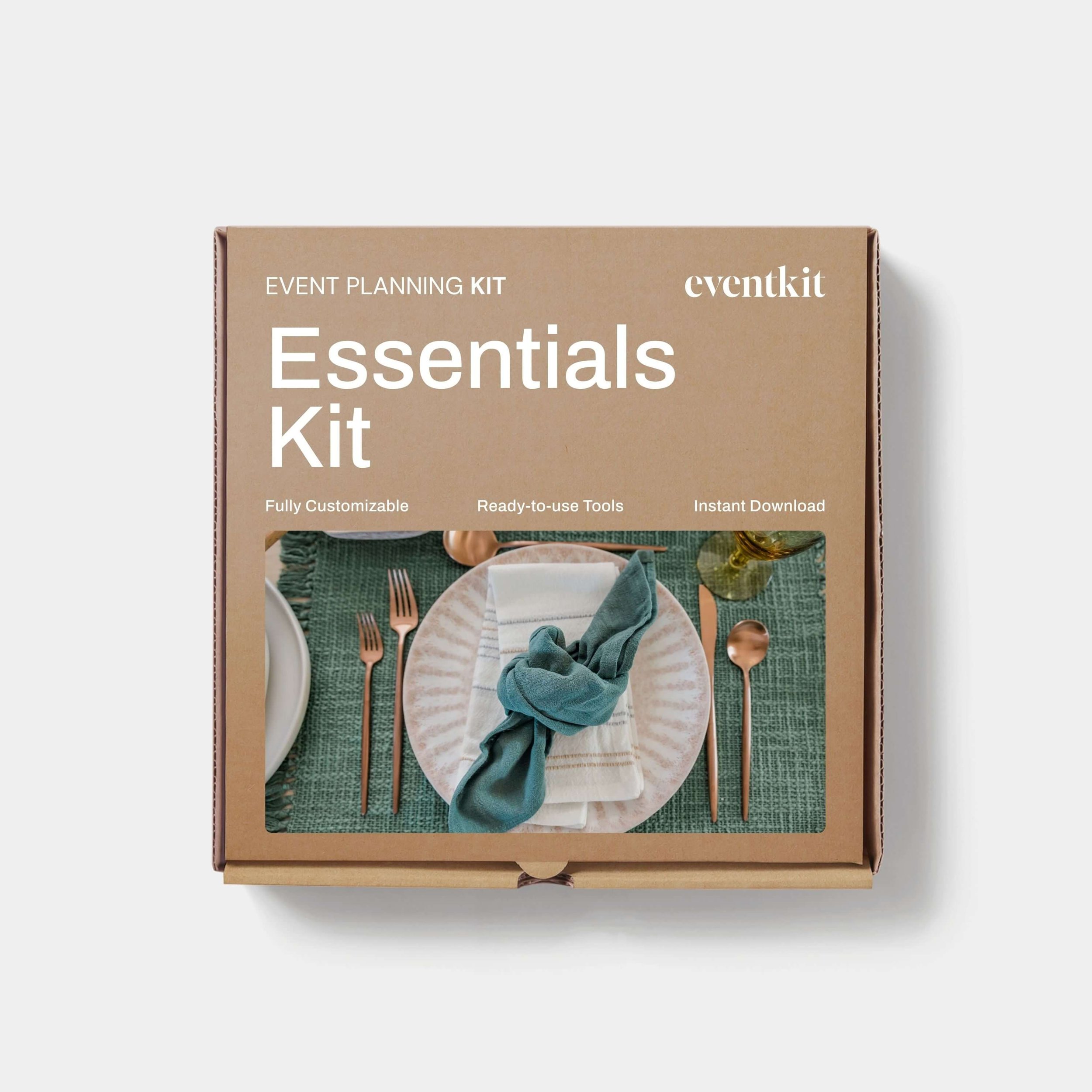
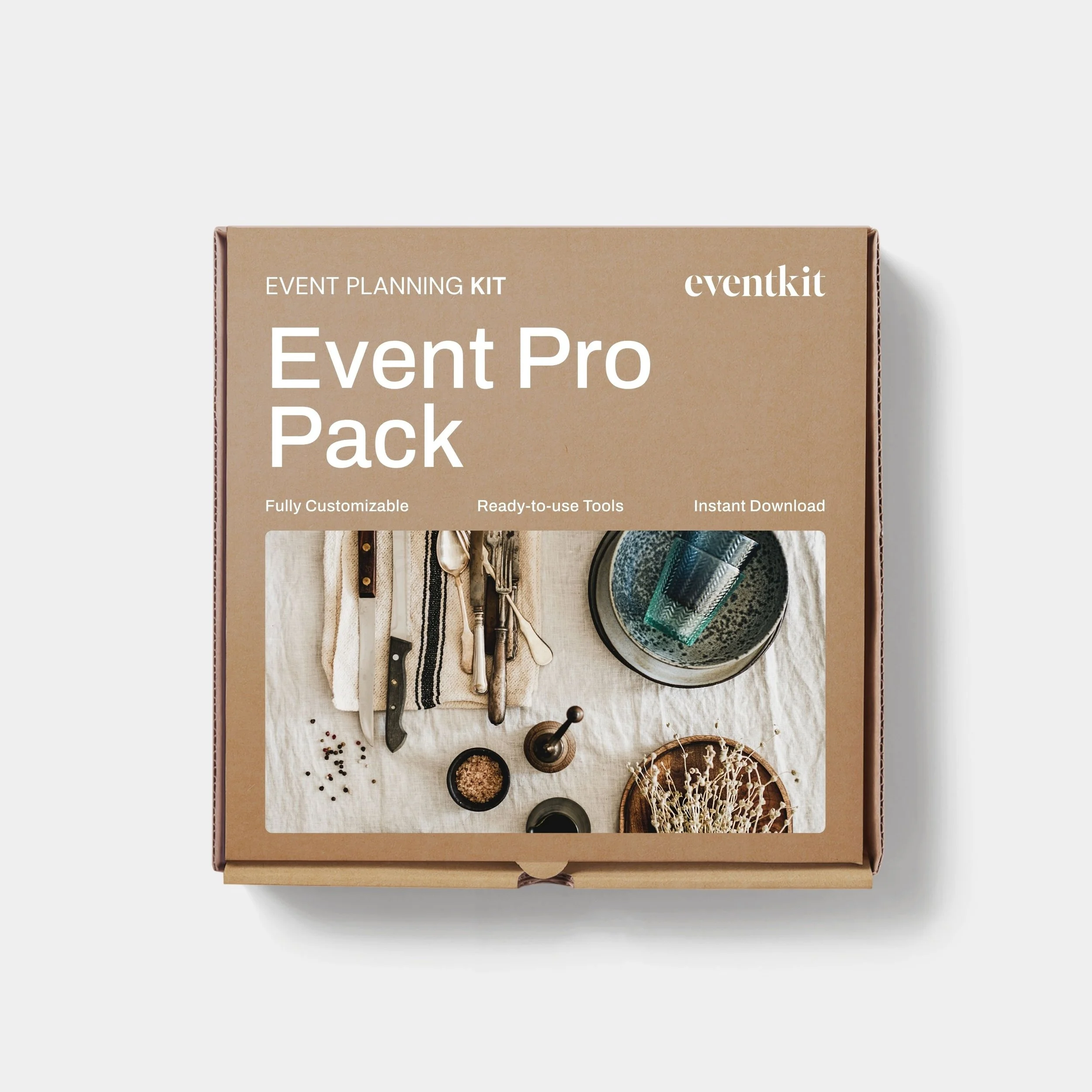
Want to try Event Kit?
Get a professional Event Run Sheet template for free!



Somehow, you’re the event planner now.
You said you’d organise it. Now you’re wondering where to start. Get the core planning documents for your brief, budget, timeline, risk assessment and run sheet, with expert guidance built in. Give yourself a professional starting point without spending any more of your evenings hitting dead ends searching for answers.
Description
Event Planning Starter Kit
Designed for:
Designed for new event planners who want a professional starting point without building every document from scratch.
Helps you:
When you’re new to events or just an occasional event organizer.
What’s included:
EXCEL
• Event Budget
• Event Plan Timeline
• Event Run Sheet
PDF
• Event Brief Writing Guide
• Event Plan Master Checklist
• Event Risk Management Guide
• Event Run Sheet User Guide
WORD
• Event Brief
• Event Risk Assessment Matrix
Plus:
• Built-in planning tips and guidance notes
• AI prompts to help you work faster
Pairs well with:
Any collection in the shop. There's no wrong combination — grab what fits your events and build from there.
Note: This is a digital product. No physical item is shipped.
Customer Service
Within a few minutes of purchase, you’ll receive an email with a link to download your files. The download link expires after 24 hours. If you can’t find the email, please check your Spam or Junk folder.
Need help getting started?
Notes and instructions are built into our templates to give you structure, guidance and practical real-life examples. These are not blank templates. They’re designed to guide you as you use them.
Still got questions?
Template Manual
FAQs
Contact Us
Template License
Event Kit templates are licensed for use by one business or sole operator. You can edit, customize and reuse them across every client, event, and project your business handles. Add your own branding, update colors and fonts, remove sections you don't need, and adapt the content to suit you.
Read full Template License